
How to Conduct a Simple IT Security Audit for Your Small Business in Sarasota
Running a small business in Sarasota means dealing with tourists, local clients, and sensitive data every day. A cyber attack could wipe out customer info or halt operations overnight. That's why a simple IT security audit is key. It lets you spot weak spots without hiring big experts or spending a fortune.
This guide walks you through basic steps. You'll learn to check your setup in a way that's easy to follow. No tech degree needed. By the end, you'll have a plan to fix issues and keep your Sarasota shop safe.
Why Local Businesses Must Prioritize Proactive Security Checks
Sarasota's economy thrives on tourism and close-knit client ties. You handle personal details like payment info or booking records. A breach here hits hard. It can lead to lost trust and fines under data laws.
A simple audit means quick checks on your tech. Think of it as a home safety inspection, not a full rebuild. You focus on main risks without complex tools.
This article gives you a clear path. Non-tech owners can use it to find holes in security. You'll save money and build peace of mind for your Sarasota operations.
Laying the Foundation: Scope and Asset Inventory
Start with the basics. Know what you protect. This sets up your whole audit.
Identifying Your Critical Digital Assets
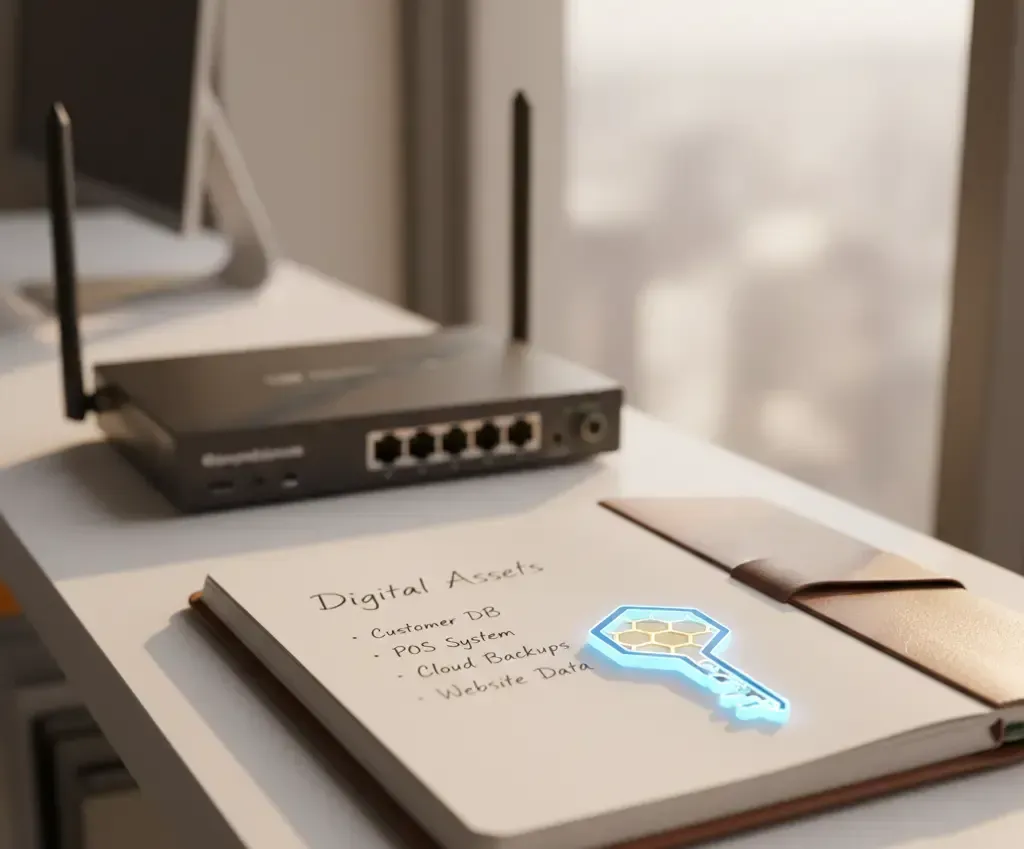
Critical assets include customer databases with personal info. Financial records top the list too. Add in software licenses and cloud logins.
For a Sarasota cafe or shop, this covers POS systems and email lists. List them all. Use a spreadsheet to track devices like computers, phones, and printers on your network.
Make columns for device type, owner, and location. This inventory shows what needs guarding. Update it often as your business grows.
Mapping Access Control and User Privileges
Follow the least privilege rule. Give users only what they need. Check all accounts now.
Look for old employee logins. How many sit unused? Delete them to block risks.
Many small businesses share one admin password. That's a big mistake. It lets anyone change settings. Switch to unique logins for each person.
Audit your systems like email or accounting software. Note who has full access. Cut back where possible.
Establishing the Audit Baseline and Schedule
Your first audit creates a starting point. Compare future checks against it.
Set a schedule. Do quick reviews every three months for key items. Plan a full look once a year.
This fits Sarasota small business IT compliance checks. It meets basic rules without extra hassle. Track changes in a log to see progress.
Don't wait for a breach to test your plan.
Use the steps in this guide to audit one critical system before you finish reading.
Network and Perimeter Defense Assessment
Your network is the front door. Test it for locks and gaps.
Router, Firewall, and Wi-Fi Configuration Review
Check your router first. Change the default admin password. Hackers guess these easily.
Look at firewall rules. Close unused ports. Only open what your business requires, like for email.
For Wi-Fi, split business and guest networks. Use different names and passwords. This stops visitors from reaching your files.
In Sarasota, where coffee shops offer free Wi-Fi, this matters. Test connections to ensure no leaks.
Assessing Patch Management Status
Unpatched software invites trouble. Most hacks use old flaws.
Check operating systems, browsers, and apps like Adobe. Update within 90 days for big fixes.
Run scans on all devices. Note any overdue patches. Set reminders to stay current.
Small businesses often skip this. But it blocks common threats in your area.
Evaluating Backup and Disaster Recovery Procedures
Backups save you from data loss. Follow the 3-2-1 rule. Keep three copies on two media types, with one offsite.
Test restores monthly. A backup without tests fails when needed.
For Sarasota small business data recovery,
store one copy in the cloud. Local storms make offsite key. Document your plan so staff knows steps.
Endpoint Security and Employee Behavior Audit
Endpoints are your devices. People use them daily. Check both tech and habits.
Reviewing Antivirus, EDR, and Endpoint Protection Installation
Every device needs protection. Install antivirus on desktops, laptops, and phones.
Ensure it updates and scans regularly. Use a central tool to watch all endpoints.
Pick a random 10% of devices. Run manual scans. Fix any issues right away.
This catches missed spots. In Sarasota offices, mobile access to email raises risks.
Phishing Awareness and Training Verification
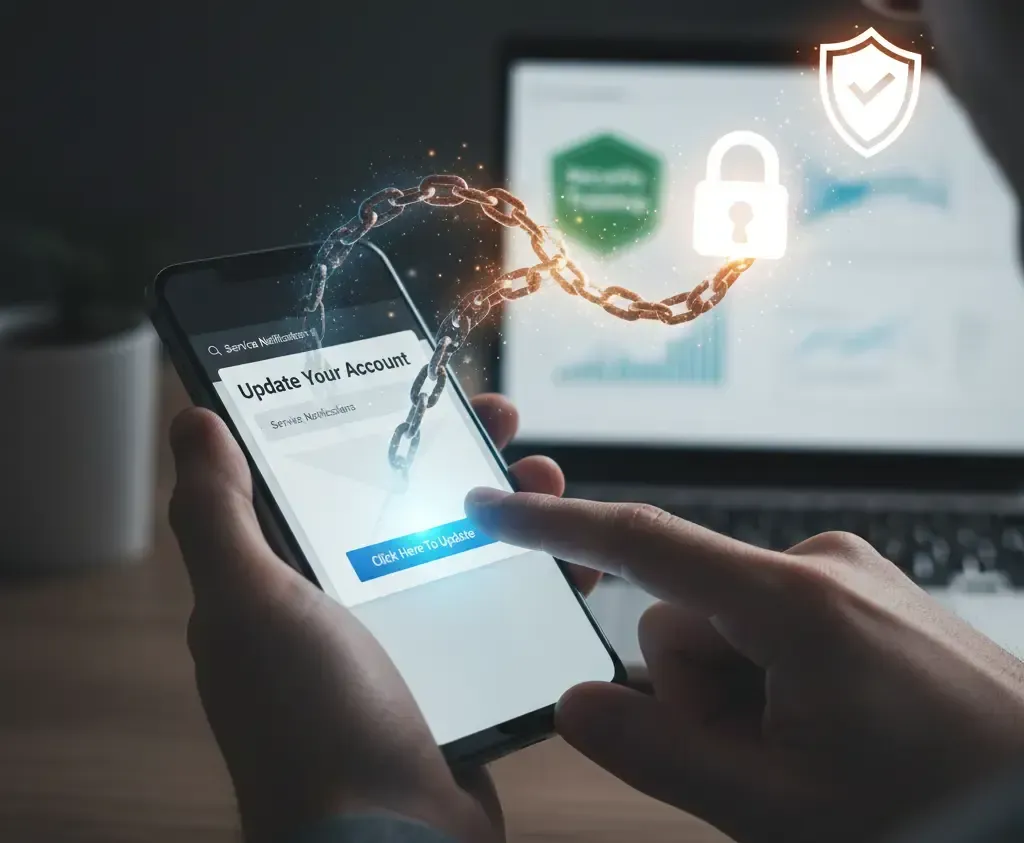
People click bad links often. Phishing starts 90% of breaches, per industry reports.
Check your last training date. Train staff yearly on spotting fakes.
Quiz them on signs like odd sender names. Role-play attacks to build skills.
Weak human links hurt small teams. Regular checks strengthen your defense.
Password Strength and Multi-Factor Authentication (MFA) Enforcement
Weak passwords open doors. Audit key accounts like email and banking.
Enable MFA everywhere. It adds a second check, like a code to your phone.
Set rules: 12 characters, mix letters and numbers. Change every 90 days.
Use a password manager for your business. It creates strong ones and stores them safe.
Cloud Services and Third-Party Vendor Review
Cloud tools help, but missteps leak data. Review them closely.
Securing SaaS Configurations (Microsoft 365, Google Workspace, QuickBooks)
In Microsoft 365, check sharing settings. Block public links in OneDrive.
For Google Workspace, list approved apps. Remove unknowns.
An employee once set a doc to public. It exposed client lists. Audit shares now.
Set alerts for odd activity. This fits Sarasota firms using QuickBooks for books.
Auditing Third-Party Vendor Access and Contracts
Vendors access your systems. List who has what rights.
Review contracts for security terms. SLAs should cover data handling.
Limit access to needed areas. Revoke when jobs end.
For vendor security review for Sarasota SMB, check yearly. It cuts shared risks.
Turning Audit Findings into Immediate Action
A simple IT security audit reveals common issues. Missing MFA tops the list. Unpatched software follows. Weak Wi-Fi rounds it out.
Fix these fast. They block most threats to your Sarasota business.
Key takeaways:
- List all assets and delete old accounts today.
- Update patches and enable MFA on main logins.
- Test backups and train staff on phishing this week.
Security ongoing. Repeat audits keep you ahead. Start now to protect your local operation. If gaps seem big, talk to a
trusted IT pro in Sarasota.
Need help securing your Sarasota business?
Let's discuss your audit findings and build a stronger defense. Schedule a free security consultation today.